Mechanics
How to earn stars across MIMS and GetNgage activities
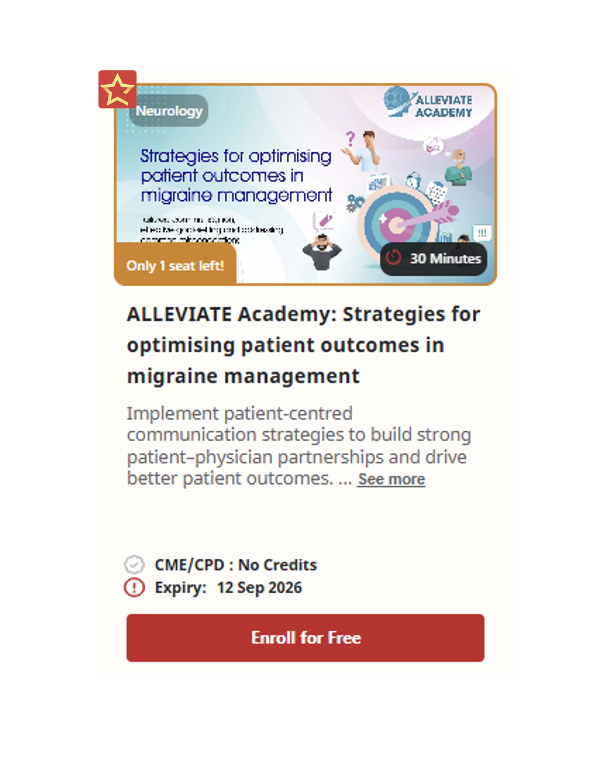
- Access the course through the GetNgage platform or designated referral link provided by our pharmaceutical partners.
- Sign in or create a MIMS Education account if you do not yet have one.
- Once redirected to the course page, click Enroll and complete all module requirements
- Complete the post-course survey to qualify for star credits.
- Eligible stars will be credited to your profile dashboard within 40 days of course completion.
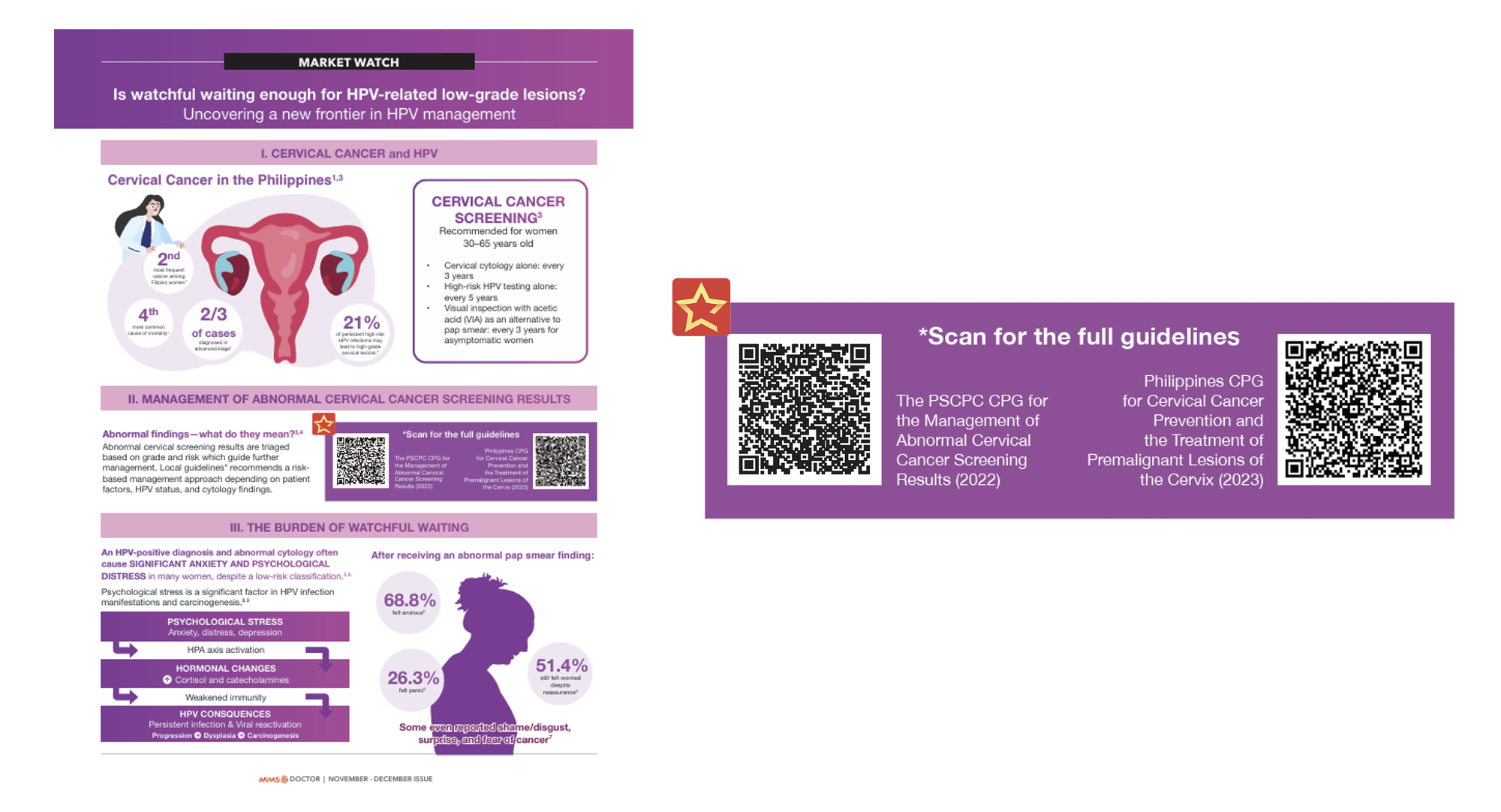
- When you receive a copy of the MIMS Doctor and MIMS Oncology magazines through conventions and pharmaceutical partners, kindly read through the pages and check which articles contain a GetNgage QR code that enables you to collect stars (see sample below).
- Scan the QR code. In some instances, you may need to complete a short survey or feedback form before being redirected to the GetNgage platform to collect your stars.
- Upon claiming, the stars will automatically appear on your profile dashboard.
- Visit the engagement dashboard to see which articles on MIMS.com allow you to collect stars.
- Upon clicking Proceed, you will be redirected to a page confirming the successful accumulation of stars. After five seconds, you will be redirected to the MIMS.com article.
- The stars will automatically appear on your profile dashboard.
- Register for and attend MIMS-organized, pharma-sponsored webinars.
- Complete the evaluation form by accessing your GetNgage account. Detailed instructions will be provided by the event facilitator.
- The stars will appear on your profile dashboard five days after completing the evaluation form.
- Register for and attend MIMS-organized, pharma-sponsored face-to-face events.
- Complete the evaluation form by accessing your GetNgage account. Detailed instructions will be provided by the event facilitator.
- The stars will appear on your profile dashboard five days after completing the evaluation form.
- Visit the engagement dashboard to see the online detailers that allow you to collect stars.
- Upon clicking Proceed, you will be redirected to a page where you can access the full material. Read through the pages, and on the last page, a pop-up button will appear that, when clicked, will enable you to collect the stars.
- The stars will automatically appear on your profile dashboard.
- Visit the engagement dashboard to see the on-demand videos that allow you to collect stars.
- Upon clicking Proceed, you will be redirected to a page where you can access the full material. Watch the entire video. Afterward, a pop-up button will appear that, when clicked, will enable you to collect the stars.
- The stars will automatically appear on your profile dashboard.
- Visit the engagement dashboard to see which initiatives (i.e., online detailers, on-demand videos, and survey/feedback forms) from pharmaceutical channels allow you to collect stars.
- Click Proceed and complete the online detailer, on-demand video, or survey/feedback form to collect the stars.
- The stars will appear on your dashboard seven days after completion.